In Kalvisalai ERP, class sections are fully customizable based on institutional requirements. By default, standard sections (A, B, C, D, E) are assigned to all academic programmes. You can easily modify or add new sections from the settings.
1
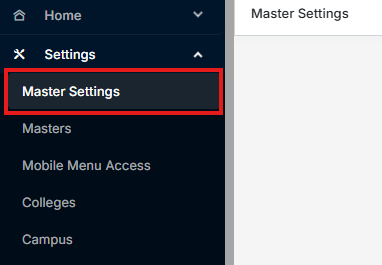
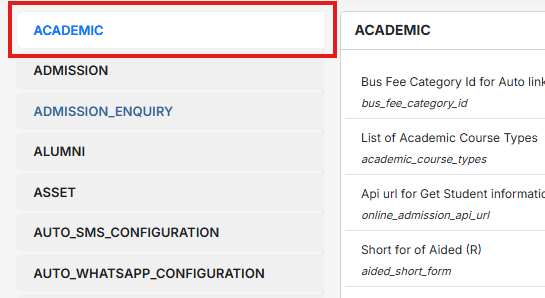
Navigate to Master Settings -> Academics
2
Locate the input field named
aca_pro_sections in Academics
3
Enter your required section values separated by commas (e.g., A, B, C, D, E, F, G or A, B)

Note: If the field is left blank, the system
will apply the default sections (A, B, C, D, E).